
- Login to your Trend Micro portal
- Navigate to Administration > API Keys
- Click Add API Key
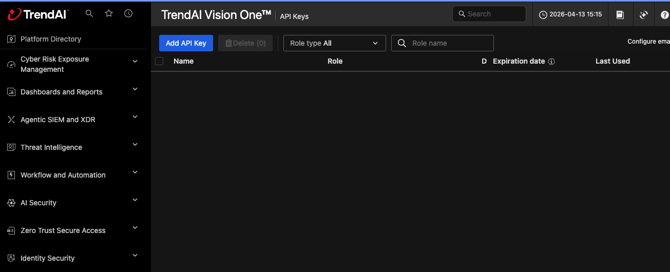
- On the Add API Key modal:
- Name the API Key
- Set the Role to: Endpoint Administrator
- Define the Expiration Time
- Ensure that the Status is enabled
- Click Add
- Copy the API Key Value
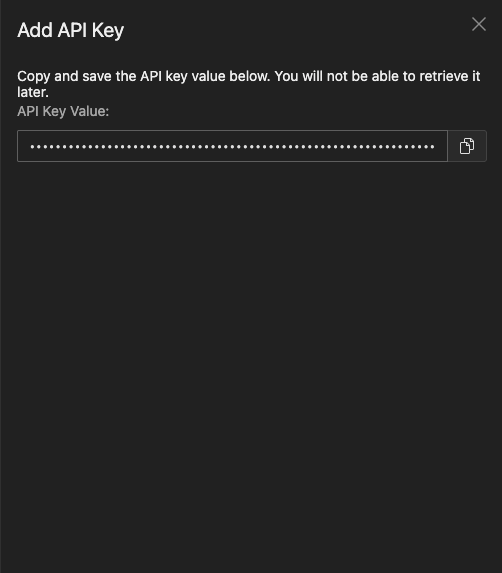
- Cyberknowledge will also require the base URL, this can be found by taking the trend portal URL and replacing portal with api.
- Cyberknowledge requires the following for the integration
- API Key (from step 4f)
- Base URL (trend portal URL)
- Navigate to Integrations > Integration Gallery
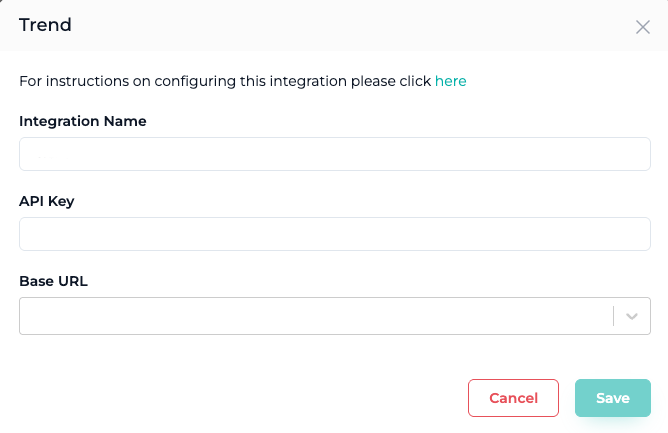
- Select Trend EDR
- Name the Integration and fill in the details captured from Step 6
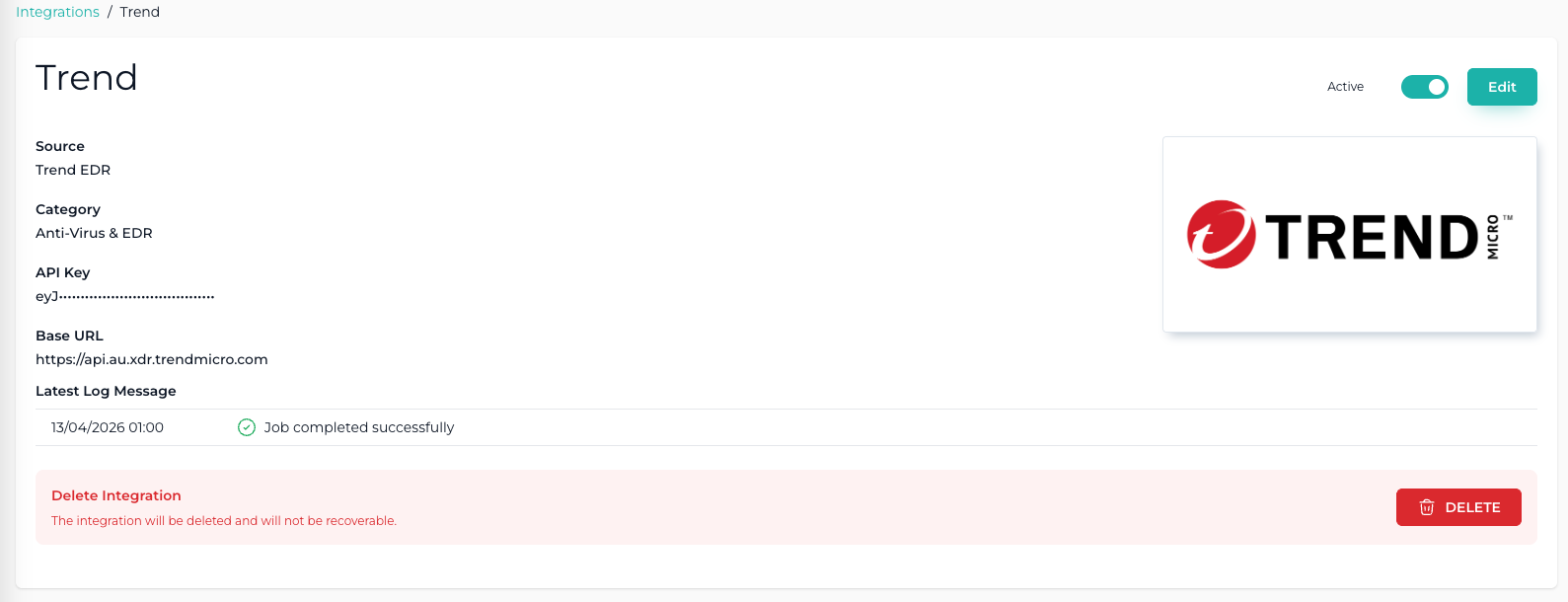
- After the integration is successfully added the endpoint table will begin to populate with data and integration will display as follows
Please note that the trending graphs on the Overview and Endpoint pages are updated nightly.
This ensures data is captured consistently at the same time each night, providing accurate and reliable trend information. Over time, these graphs will reveal meaningful patterns and trends.